Launcher number one for enthusiasts of Android. Everything you imagine is supported by this launcher!
For this reason, this launcher is one of the most used among Android enthusiasts. There are many reasons for this. Settings like: grid size, badges, gestures, auto night and dark mode, background menu, background menu, font size and style, font removal and much more. Nova Launcher developers implement the latest stock launcher plug – ins with Android OS on current Pixel phones, so that you can have all the small accessories right next to the installation of this launcher with the new launcher.
Settings page:

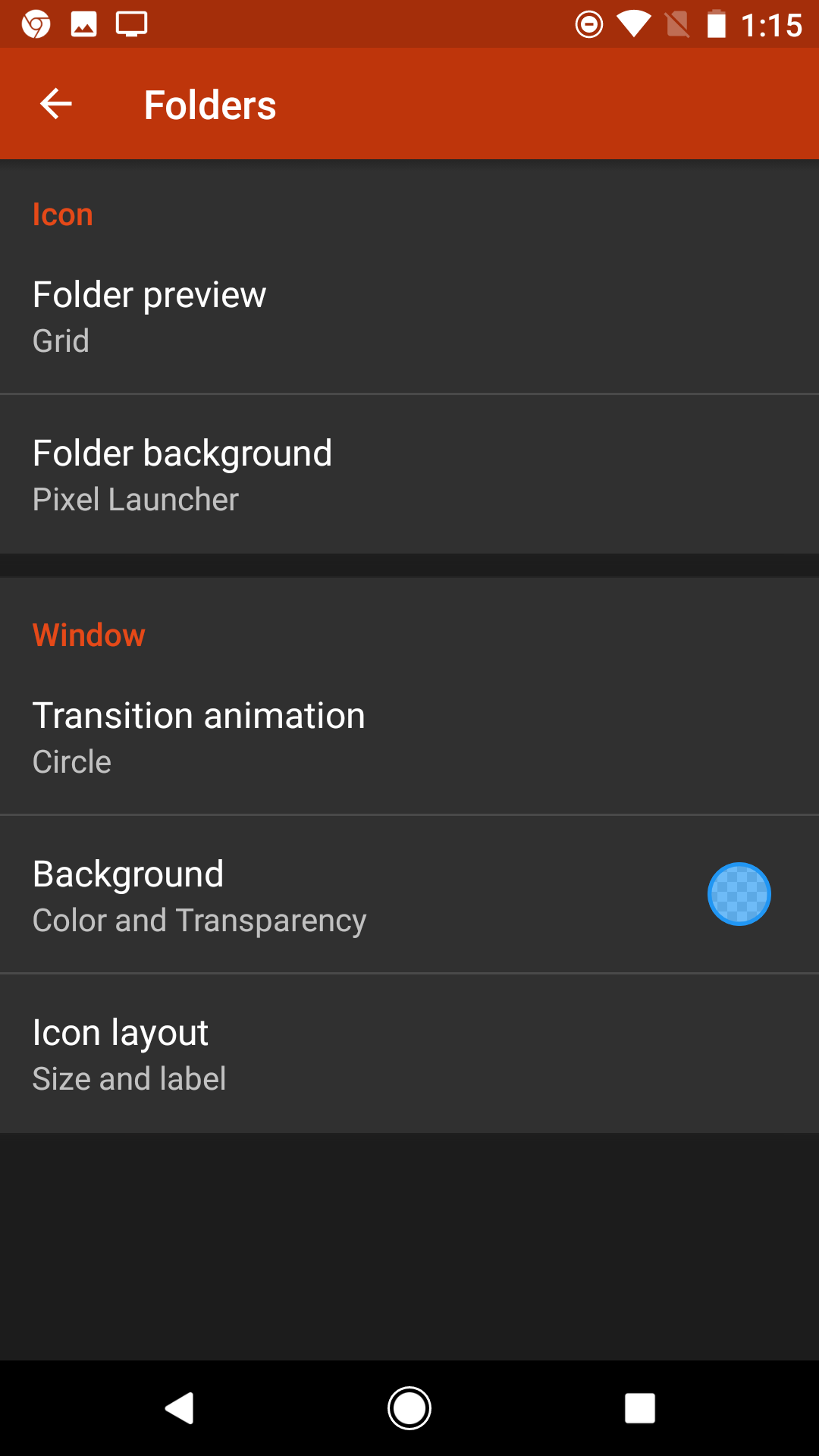
Some of the available options are:
Subgrid positioning allows you to place shortcuts and widgets in your desktop between normal grid spaces. If a 5×1 widget looks too small and a 5×2 widget is too large, you can use subgrid positioning to resize your widget to 5×1.5, making your home screens more flexible and helping you get everything right.
Gesture shortcus— assigning tasks to actions such as swipes and double-taps — may not seem all that hidden given that they have their own folder in the main Nova Settings screen, but remember that these are only half the controls you can assign in the launcher. You can also add a swipe gesture to every app shortcut on your home screens— and every folder can!


 Android blog